
REVIEW · TICKETS
Day Entry Ticket
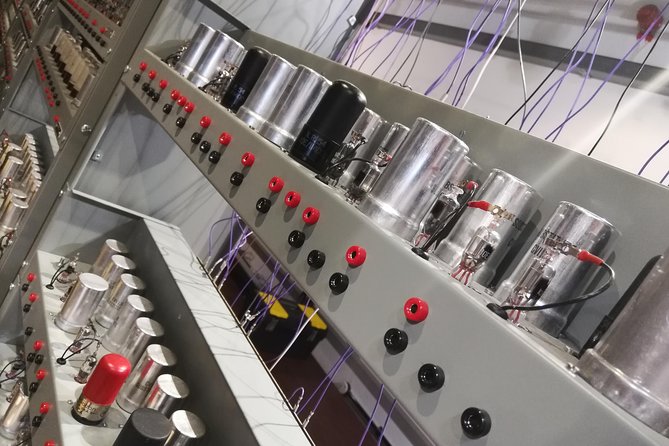
History runs on working machines. At the National Museum of Computing, you’ll see working historic computers, described as the world’s largest collection of them, and your mobile ticket helps you get inside with less fuss. It’s a great match if you want tech history you can actually watch in action.
I love the hands-on focus, especially the rebuilds of the Bombe and Colossus machines, with staff talks and demonstrations that turn WWII codebreaking into something you can see and understand. The displays trace the story from early systems like Enigma and Lorenz through later mainframes, then into retro computer games and the rise of modern computing, including mobile and internet era topics.
The one catch is ticket clarity. This museum is separate from Bletchley Park, so double-check that what you’re buying matches the museum you want, or you can end up paying again at the door.
In This Review
- Key things to know before you go
- The National Museum of Computing near Bletchley Park
- WWII machines in motion, from Bombe to Colossus
- The wider computing timeline, mainframes to games
- How long you should plan, 2 to 6 hours without rushing
- Tickets, mobile entry, and avoiding the Bletchley Park mix-up
- On-site comforts: cafe, outside seating, and sensory maps
- Who this National Museum of Computing ticket is best for
- Should you book this computing museum ticket?
- FAQ
- What is the price for the day entry ticket?
- How long can I spend at the National Museum of Computing?
- What language is the experience offered in?
- What are the opening hours shown for this ticket?
- Is the ticket a mobile ticket?
- Are sensory maps or accessibility supports available?
- Is there free cancellation?
Key things to know before you go
- Working machines instead of static displays, with a focus on historic computers that run
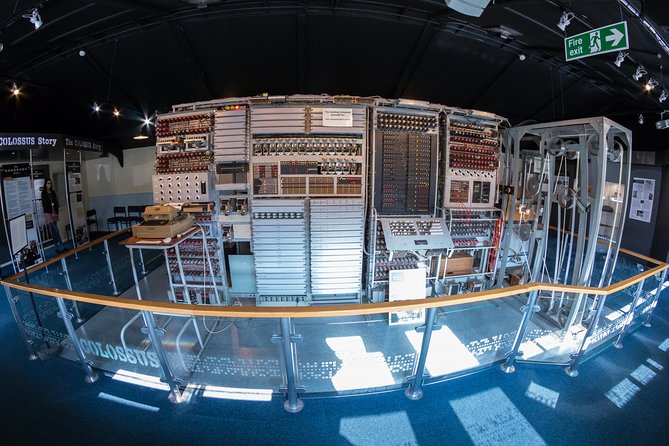
- Bombe and Colossus demonstrations, timed talks that help you make sense of what you’re seeing
- A long computing timeline, from WWII codebreakers to mainframes, personal computing, and beyond
- A game section, where older computer games are part of the experience
- On-site breaks, including a cafe and outside seating
- Sensory maps available, plus service animals are allowed
Still comparing? These Milton Keynes tours came out well in our reviews too.
- Milton Keynes iFLY Indoor Skydiving Experience – 2 Flights & Certificate
★ 4.0 · 219 reviews
The National Museum of Computing near Bletchley Park
The National Museum of Computing is in the Milton Keynes area, and it’s easy to pair with a bigger day around Bletchley Park. What matters is that this museum has its own identity. You’re not just “in the same place,” you’re visiting a separate site focused entirely on computing hardware and software history.
Your day entry ticket is designed for an efficient visit, with a mobile ticket and skip-the-line entry intent. That’s not glamorous, but it’s practical. If you’re short on time, it helps you spend your energy reading labels, watching demos, and figuring out which collections you want to focus on.
The museum runs on an English-language program, and most visitors should be able to participate. If you rely on sensory support, there are sensory maps available on-site. And if you need a calm break, the cafe and outside seating give you options without having to leave the property.
WWII machines in motion, from Bombe to Colossus
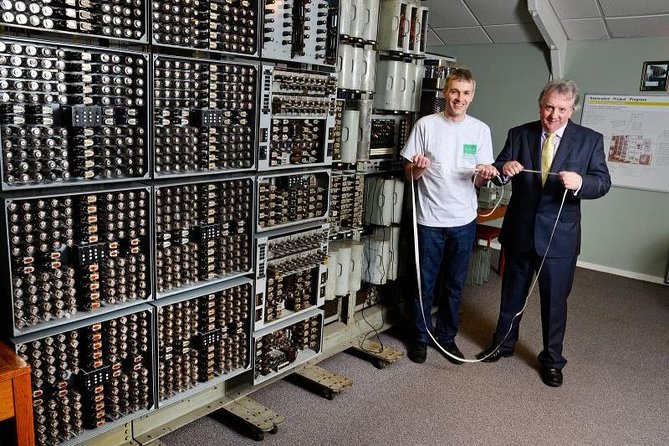
The heart of the experience is seeing key WWII-era machines and concepts come to life. The museum is home to the world’s largest collection of working historic computers, and it’s built around a timeline that starts with the early, experimental era and moves forward step by step.
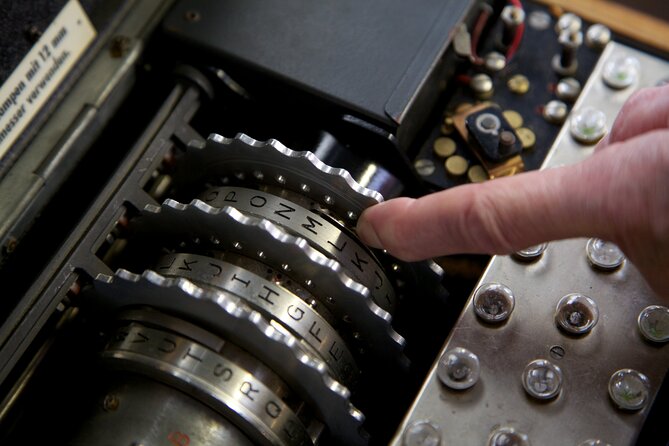
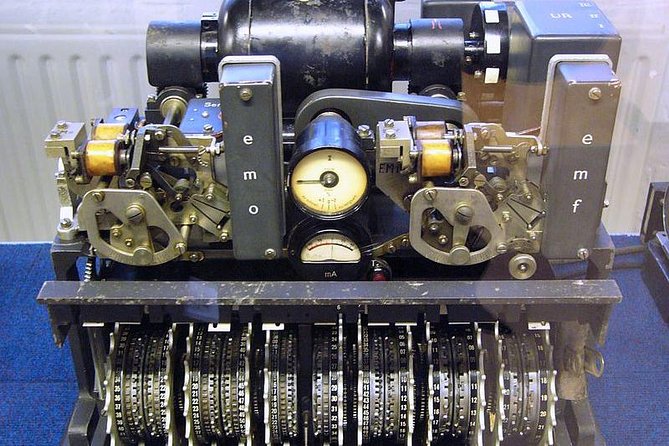
You’ll encounter the story of systems like the Turing-Welchman Bombe, plus topics such as Enigma, Lorenz, and Colossus. The real payoff is how the museum treats these not as distant history, but as engineering you can watch. When rebuilt machines are demonstrated, it’s easier to grasp what they were doing, why they were special, and why they mattered.
I especially like how the WWII segment doesn’t stay trapped in a single theme. It shows the progression of ideas and methods, so you can connect the dots from one machine to the next. If you’re coming in with even basic curiosity, you’ll leave with a clearer mental model of how the computing world was built under pressure.
Practical tip: give yourself time to stop at the demos, not just the displays. If you hover at the right points, you’ll understand more in less time than you might expect just reading labels.
The wider computing timeline, mainframes to games
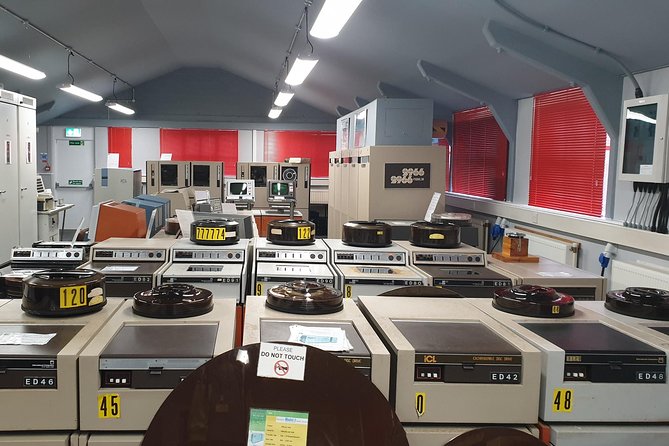
After the WWII focus, the museum widens the lens. You’ll see how the story moves from early systems into larger machines, including mainframes of the 1950s, 60s, and 70s. The displays aim to connect tech shifts to real changes in how people used computers, not just how engineers built them.
Then the museum leans into the fun side of computing history. There’s a game section where you can try older computer games. That’s a smart design choice for visitors who don’t want every room to feel like a lecture. It also helps you experience the mindset behind early computing, where interaction with hardware and software was part of learning and play.
You’ll also see how the timeline continues toward personal computing and later mobile computing and the internet. Even if you mostly came for WWII machines, this later arc adds context. It answers the question, what happened after the big breakthroughs, and how did computers become normal life.
If you’re a tech enthusiast, this layout makes it easier to see patterns. If you’re more of a history-first visitor, you still get the story in a human way: problem solving, constraints, and progress.
How long you should plan, 2 to 6 hours without rushing
The ticket is listed for a 2 to 6 hour visit window, and that range is realistic because the museum has more than one “mode” of experience. There are exhibits you can read quickly, exhibits you’ll want to slow down for, and demonstrations that reward arriving ready to watch.
If you’re aiming for a 2 hour visit, focus on the WWII machines and demonstrations first, then pick a couple sections that match your interests most. For example, if you care about codebreaking, spend extra time near the Bombe and Colossus area. If you’re more interested in how computing became mainstream, skim the mainframes part and spend time on personal computing and the game section.
If you can stretch to 4 to 6 hours, you’ll get more from the timeline approach. This is when it pays off to connect themes across rooms and let the progression sink in. You can also take breaks at the cafe and step into outside seating when you need a reset.
One small strategy: don’t try to see everything at full speed. Pick your top two themes, then let the rest support them.
Tickets, mobile entry, and avoiding the Bletchley Park mix-up
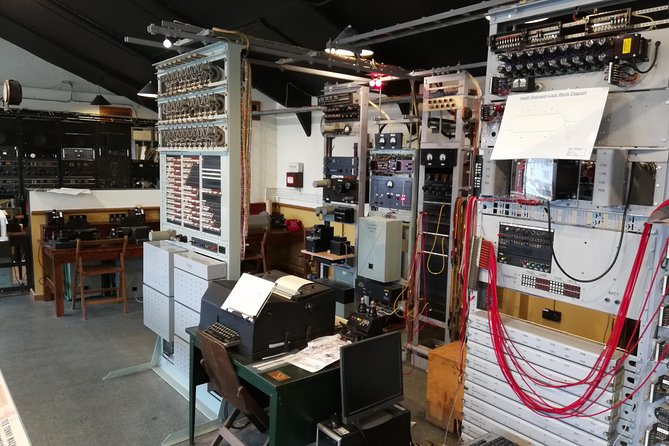
You’ll book a day entry ticket with confirmation received at time of booking. It’s a mobile ticket, which means you’ll want your phone charged and accessible when you arrive.
This is also where you should be most careful. The museum sits in the broader Bletchley Park area, but it is a separate museum. That matters because not every ticket product in the area means the same thing. If you’re combining sites in one day, plan each visit intentionally so you don’t assume “one ticket” covers everything.
Here’s a simple way to protect your time and money: verify the exact museum name on your ticket, and confirm it matches the experience you want. If you’re also visiting Bletchley Park itself, treat it as a separate stop with its own admission.
It’s a common kind of travel mistake because the area is so famous for computing and codebreaking. So even if the signage is clear once you’re there, your ticket still has to match your goal.
On-site comforts: cafe, outside seating, and sensory maps
A museum day works best when you’re not stuck waiting for a long break. This one has a cafe for light refreshments, plus outside seating if the weather cooperates. That means you can recharge without tearing your day apart.
If you’re visiting with sensory needs, the presence of sensory maps is a real help. It’s also one of those details that you only appreciate fully when you actually need it, so it’s worth planning around.
Service animals are allowed as well. And since the museum is near public transportation, you don’t have to build your day around a private car.
All these small elements add up to a better experience, especially if you’re mixing this museum with other stops in the Bletchley Park area.
Who this National Museum of Computing ticket is best for
This is an especially good fit if you love technical history, WWII storylines, or both. The museum’s tone is practical: machines, explanations, and demonstrations that help you translate engineering into understanding.
It also works well for visitors who like interactive learning. The game section gives you a different kind of engagement, and it’s a nice change of pace from only reading exhibit panels.
If you’re traveling with kids, you might find the working machines and games keep attention better than typical museum formats. The museum welcomes schools and groups, which usually means the space is prepared for a range of learning styles.
If you’re purely looking for a quick photo stop, you might find the museum takes more attention than you expected. The value comes from watching and reading your way through the story at your own pace.
Should you book this computing museum ticket?
Yes, you should book it if you want a focused visit to one of the best places in England to see computing history explained through working machines. For $20.83 per person, the value comes from access to a specialized collection and demonstrations that don’t feel like passive sightseeing.
Skip the ticket if you mainly want the broader Bletchley Park experience without adding another separate museum visit. Also book carefully. This site is separate from Bletchley Park itself, so your best move is to confirm you’re buying the right admission for the right museum.
If you’re even slightly curious about how codebreaking and computing evolved, this ticket is a smart use of time.
FAQ
What is the price for the day entry ticket?
The price is $20.83 per person.
How long can I spend at the National Museum of Computing?
The duration is listed as 2 to 6 hours (approx.).
What language is the experience offered in?
The ticket is offered in English.
What are the opening hours shown for this ticket?
The provided opening hours show Tuesdays from 10:30 AM to 5:00 PM.
Is the ticket a mobile ticket?
Yes, it’s a mobile ticket.
Are sensory maps or accessibility supports available?
Yes, sensory maps are available. Service animals are also allowed.
Is there free cancellation?
Yes. You can cancel up to 24 hours in advance of the experience for a full refund.
Fresh off the Milton Keynes review pile

Tickets, compared.
 ★ 4.6London: The London Eye Entry TicketFrom $3935,875 reviews
 ★ 4.7London: Tower Bridge Entry TicketFrom $2115,560 reviews
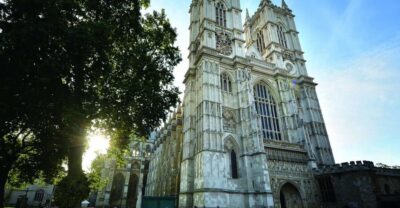 ★ 4.6London: Westminster Abbey Entrance TicketFrom $4111,254 reviews
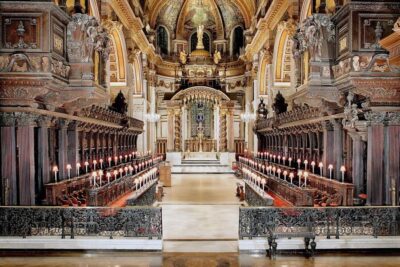 ★ 4.7London: St Paul’s Cathedral Entry TicketFrom $369,813 reviews
 ★ 4.7London: London Eye and Madame Tussauds Combo TicketFrom $667,428 reviews
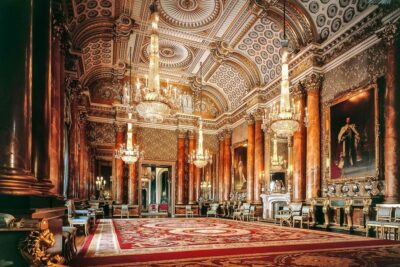 ★ 4.6Buckingham Palace: The State Rooms Entrance TicketFrom $447,395 reviews
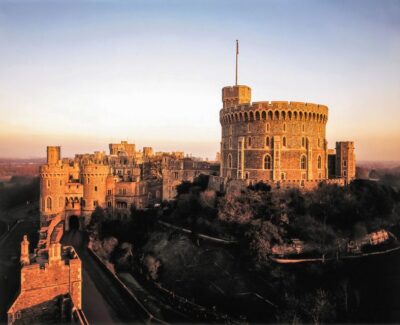 ★ 4.7Windsor Castle Admission TicketFrom $437,032 reviews
 ★ 4.5Tower of London and Crown Jewels Exhibition TicketFrom $496,677 reviews